
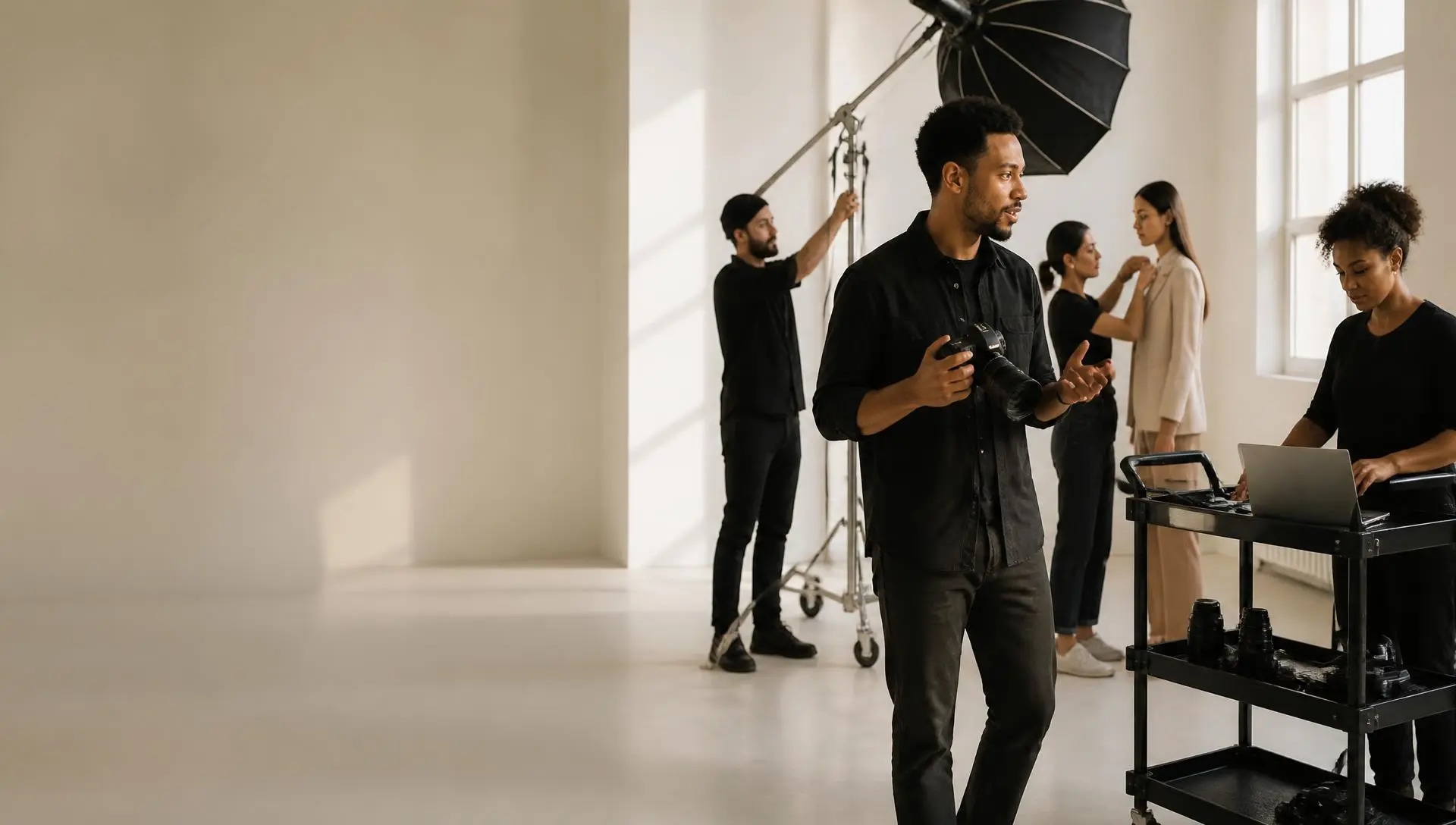
You make the work.
Picture Day runs
what’s behind it.
The operating system for professional photographers. Picture Day keeps the business behind the shoot connected so you can spend less time managing it and more time making the work.
Your business, already briefed.
Today’s project, call time, readiness, crew, gear, money and what needs attention, already pulled together.
Open Picture Day. Know your day.
You shouldn’t have to be
the photographer
and the operating system.
Clients. Crew. Gear. Payments. Travel. Call sheets. Follow-up.
Someone has to keep it all straight. Too often, that someone is you.

More time.
More control.
Less business in your head.
Open Picture Day.
Know your day.
Today’s shoot. Call time. Readiness. Crew. Gear. Money. What needs your attention. Already pulled together before you start looking for it.
You shouldn’t have to search your business
to understand your day.
Kinfolk Menu Refresh — 6:00 AM call, Williamsburg.
Booking the job is only the beginning.
Picture Day helps run what happens between “yes” and “we’re ready.”
Know what isn’t ready
before it becomes a problem.
See what is complete, what needs attention and exactly where to fix it.
See it. Click it. Fix it.
Kinfolk Menu Refresh — 88% overall, with what still needs attention.
Client, location, call time and the full shoot schedule.
A real call sheet.
Already connected to the project.
Build it, update it and share it without recreating information the system already knows.
Know who’s working.
Know who’s ready.
Confirm the crew, see call times, catch missing paperwork and go directly to what needs fixing.

Six confirmed — one contract still missing.
Show up with what you need.
Picture Day knows what is assigned, what is ready and what is still missing before call time.
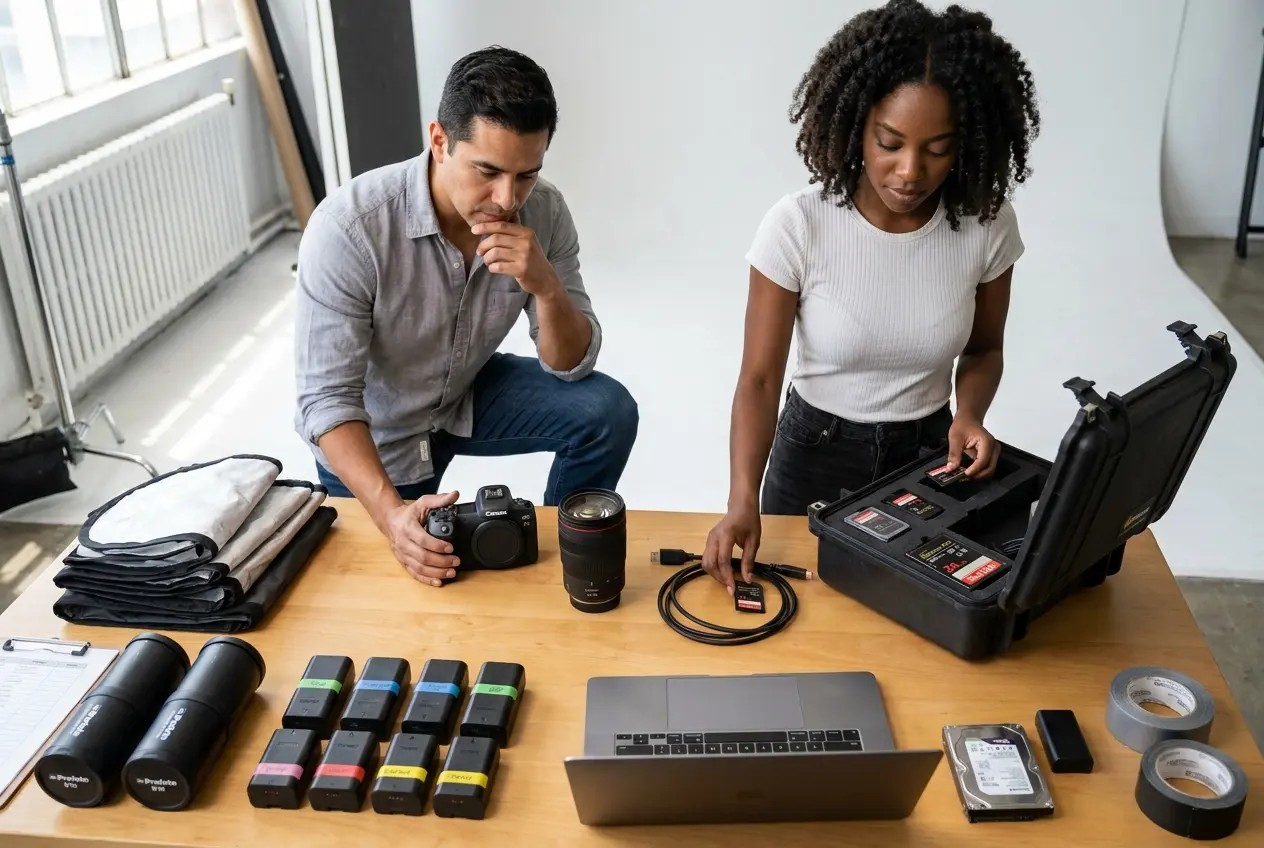
95% ready — one CFexpress card flagged before it ruins a day.

Less admin between you and the work.
The business should support the work. Not compete with it.
The business keeps moving
after the shutter clicks.
From inquiry to booked client to completed project — with the invoices, deposits and payments still attached to the work that created them.
Lifecycle
New inquiry, booked + deposit, shot, delivered, completed + paid.
The money stays connected too
Invoices, deposits, payments and balances stay tied to the client and project that created them.
Client, project, amount, paid and balance in one line.
The work can keep earning
after the shoot.
Publish work, manage editions, track orders and turn photography into products people can own.
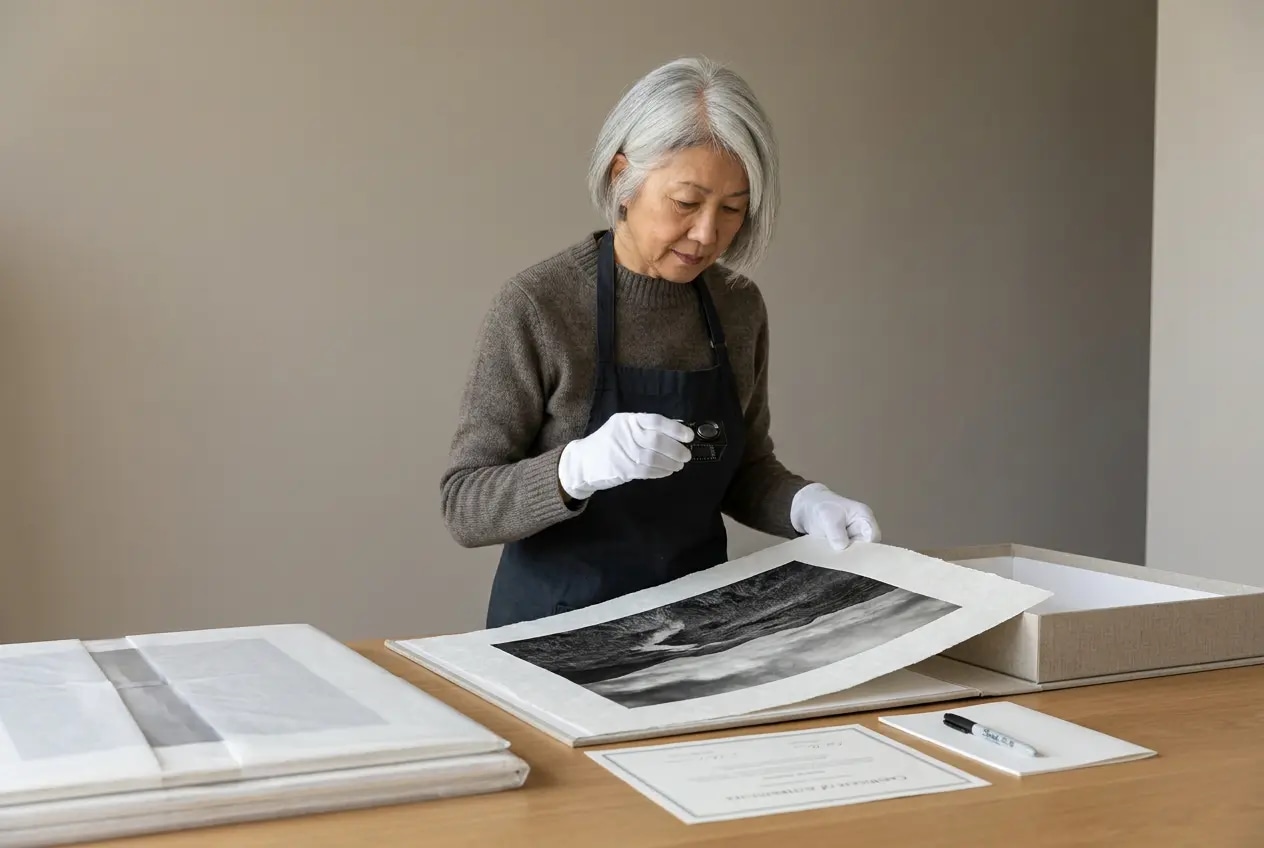
Brooklyn After Rain — 3 sold, 22 remaining in the edition.
Give the busywork
to somebody else.
Picture Day can support both sides of the business.
Front of the business
Helps handle inquiries, qualify opportunities and book approved 15-minute consultations.
Inside the business
Helps you understand what is happening across projects, readiness, crew, gear, money and next actions.
AI should do work. Not just sit in a chat window.
Your studio doesn’t stop
because you’re on location.
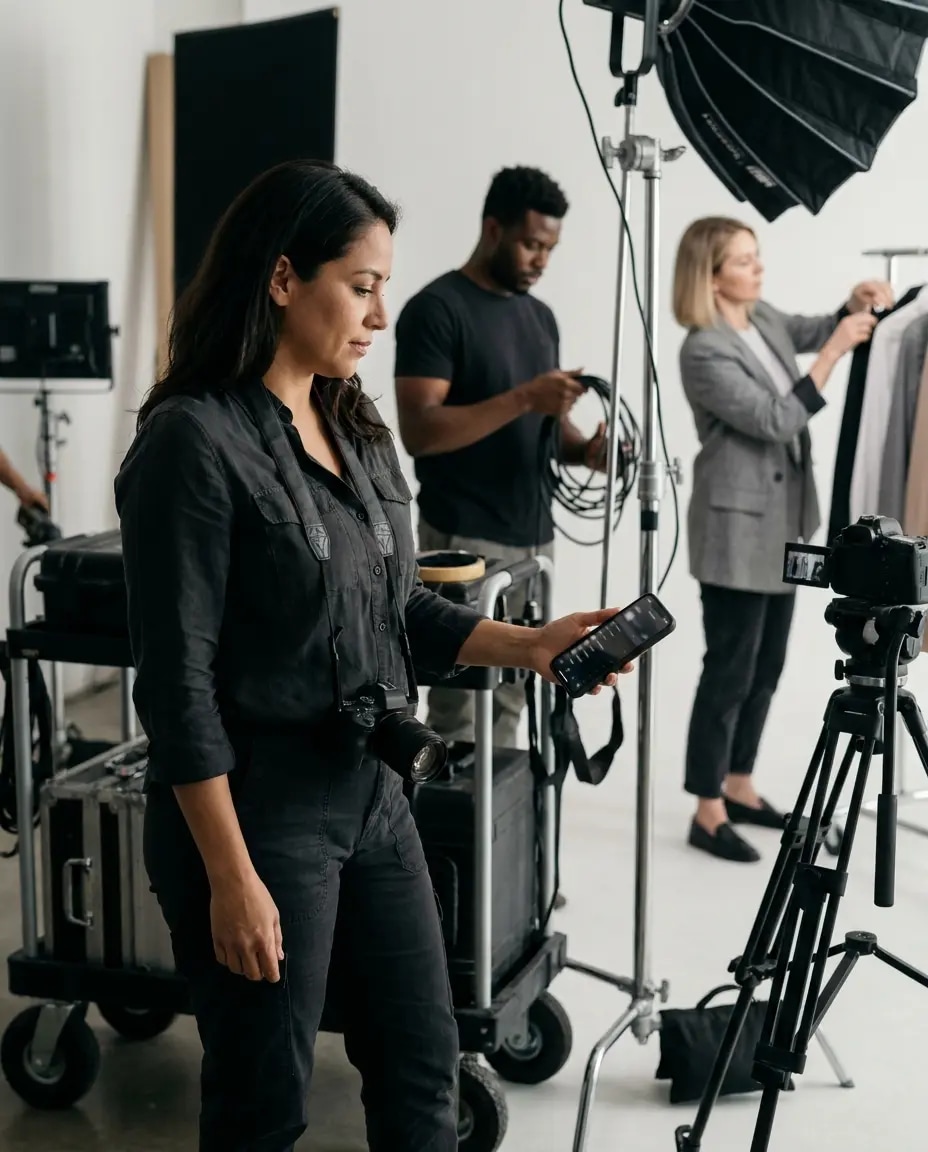
Check the day, open a project, run readiness or get help from Assist from your phone.
Built to give you time back,
not another tool to manage.
Studio
$79
per month
Run the business without keeping it all in your head.
- Dashboard
- CRM and client records
- Opportunities
- Projects and job workspaces
- Calendar
- Estimates, invoices and payments
- Receipts and expense tracking
- Trip manifests
- Gear inventory and kits
Studio Pro
$129
per month
Get help staying on top of the business.
- Everything in Studio
- Internal Studio Assistant
- Permission-aware business answers
- Project and readiness context
- Client and follow-up context
- Calendar and task context
- Crew and gear context
- Permission-gated finance context
Studio + AI
$179
per month
Keep the business moving while you are unavailable.
- Everything in Studio Pro
- Customer Studio Assistant
- Approved customer information
- Website support where configured
- Phone support where configured
- Consultation support when enabled
- Separate customer and internal contexts
Questions
- Is Picture Day a CRM?
- It includes client and opportunity management, but Picture Day is built as the operating system for the whole photography business — projects, readiness, call sheets, crew, gear, travel, finance, follow-up and print sales.
- Do I have to stop using my gallery tool?
- No. Picture Day does not need to replace the gallery and delivery workflow you already like.
- Can I turn off workspaces I don't use?
- Yes. The OS can be configured around how you actually work.
- What's the difference between the three plans?
- Studio is the core operating system. Studio Pro adds the Internal Studio Assistant. Studio + AI adds the separate Customer AI Assistant for approved external support.
Make the work.
Picture Day will handle
what’s behind it.
